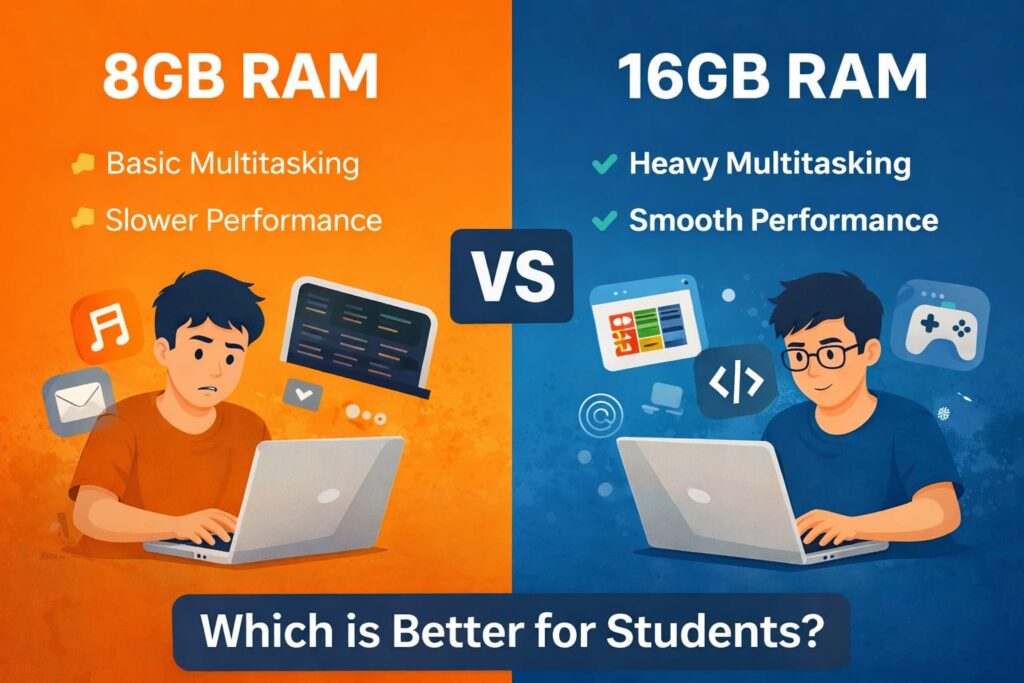
Many students feel confused while buying a laptop: Is 8GB RAM enough or should you invest in 16GB RAM?
In 2026, apps like Chrome, VS Code, Android Studio, online classes, and multitasking consume more memory than ever before.
This guide will show you the real difference between 8GB and 16GB RAM for students, based on actual usage, not marketing claims.
By the end of this article, you will clearly know which one is best for your needs and budget.
What is RAM and Why Does It Matter for Students in 2026?
RAM (Random Access Memory) helps your laptop run apps smoothly.
When you open Chrome, Zoom, YouTube, VS Code, or Word, all of them use RAM.
If your RAM is low, your laptop becomes slow, apps freeze, and multitasking feels frustrating.
That is why choosing the right amount of RAM is important for students in 2026.
If you are using Windows 11, you may also face high memory usage issues.
8GB RAM for Students – What You Can Do Comfortably
With 8GB RAM, most students can easily handle:
- Online classes (Zoom, Google Meet)
- YouTube + Notes simultaneously
- Browsing with 8–10 tabs
- MS Word, PowerPoint, Excel
- Light coding (HTML, Python, basic VS Code)
- Casual photo editing
However, heavy multitasking or professional-level tools may start causing lag on 8GB RAM.
16GB RAM for Students – Where You Feel the Real Power
16GB RAM gives you a noticeable performance boost if you:
- Use Android Studio
- Do video editing (Premiere Pro, CapCut PC)
- Run multiple heavy apps together
- Use Chrome with 20–30 tabs
- Do advanced programming (Java, AI tools, Docker)
- Want future-proof performance for 3–5 years
If your budget allows, 16GB RAM provides a smoother and stress-free experience.
8GB RAM vs 16GB RAM – Side by Side Comparison
| Task | 8GB RAM | 16GB RAM |
|---|---|---|
| Online classes | Smooth | Smooth |
| Coding (VS Code) | Smooth | Faster |
| Android Studio | Lag possible | Smooth |
| Video editing | Slow | Comfortable |
| Heavy multitasking | Struggles | Smooth |
| Future-proof (3–4 yrs) | Medium | Strong |
Who Should Choose 8GB RAM in 2026?
8GB RAM is still sufficient for many students in 2026 if their usage is moderate. Not every student needs 16GB RAM, especially for basic academic tasks.
If you mainly use your laptop for the following activities, 8GB RAM can work well:
- Online classes (Zoom, Google Meet)
- Web browsing with 8–12 tabs
- Coding for beginners (VS Code, Python, HTML, CSS)
- Watching YouTube, online courses, Netflix
- Using MS Word, Excel, PowerPoint
- Light photo editing (Canva, basic Photoshop)
However, when you start multitasking heavily or using demanding software, 8GB RAM may begin to feel slow.
Who Should Definitely Choose 16GB RAM?
16GB RAM is the better choice for students who use heavy applications or want their laptop to stay fast for several years. Software in 2026 is already consuming more memory than before.
You should strongly consider 16GB RAM if you:
- Use Android Studio
- Do video editing (Premiere Pro, CapCut PC, DaVinci Resolve)
- Work on large coding projects
- Run multiple heavy apps at the same time
- Keep 20–30 browser tabs open
- Do gaming along with multitasking
- Want a future-proof laptop for the next 3–5 years
This is the real-world difference between 8GB RAM vs 16GB RAM for students — 16GB RAM clearly delivers smoother performance under heavy workloads.
What you should do next
- Paste both sections into your article
- Your word count will cross 600+ words
- Rank Math errors will reduce automatically
- Your article will look more professional and trustworthy
Is Upgrading from 8GB RAM to 16GB RAM Worth It?
For many students, upgrading from 8GB RAM to 16GB RAM is one of the best performance improvements you can make. The difference is not about speed in simple tasks, but about stability and smooth multitasking.
If your laptop feels slow when:
- Switching between apps
- Using Chrome with many tabs
- Running VS Code + browser + YouTube together
- Opening Android Studio
- Exporting videos or heavy files
Then the problem is often RAM limitation, not the processor.
With 16GB RAM, you get:
- Faster app switching
- Fewer freezes and crashes
- Better performance in heavy software
- A smoother experience for the next 3–5 years
- More value for money long-term
If your laptop supports RAM upgrade and your budget allows it, upgrading to 16GB RAM is absolutely worth it in 2026.
Final Verdict – 8GB RAM vs 16GB RAM for Students
If you are a regular student who mainly attends online classes, uses Chrome, watches YouTube, writes assignments, and does basic coding, then 8GB RAM is still sufficient in 2026. It can handle daily academic tasks smoothly as long as you are not running too many heavy applications at once.
However, if you are serious about coding, use Android Studio, do video editing, multitask heavily, or want your laptop to stay fast for the next 3–5 years, then 16GB RAM is a much smarter long-term investment. It provides better performance, smoother multitasking, and future-proofing.
Final advice:
Budget tight → choose 8GB RAM
Performance + future safety → choose 16GB RAM
Frequently Asked Questions (FAQs)
Is 8GB RAM enough for coding in 2026?
Yes, 8GB RAM is enough for beginners learning programming, web development, and using VS Code. However, advanced development tools like Android Studio may feel slow on 8GB.
Should students upgrade to 16GB RAM?
Students who multitask a lot, run heavy software, or want long-term performance should consider upgrading to 16GB RAM.
Does RAM affect laptop speed?
Yes. More RAM allows more apps to run smoothly at the same time, reducing lag and improving overall system performance.
H3: Is 16GB RAM future-proof for students?
Yes. 16GB RAM is considered future-proof for the next several years and will handle modern software much better.