Acer Aspire Lite Ryzen 3 – Best Budget Laptop for Coding
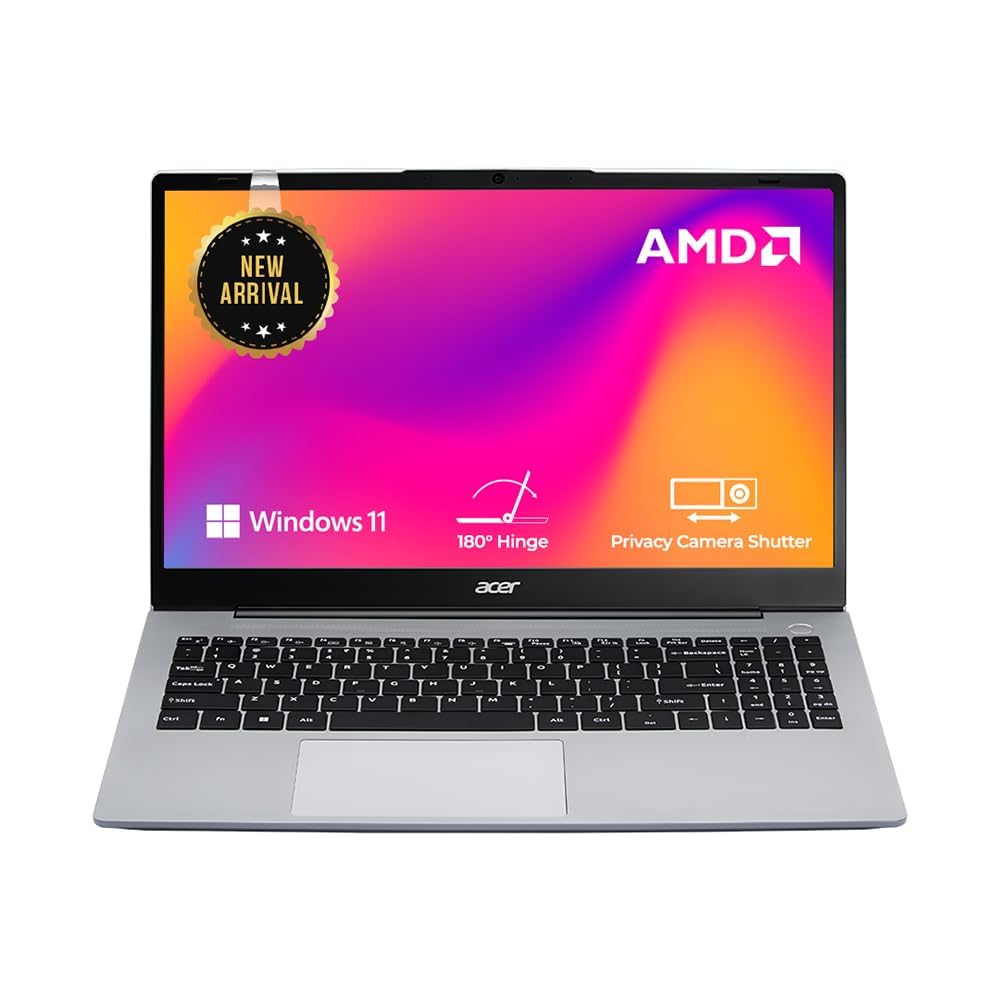
If you are searching for the best laptop for coding under 40000, this guide will help you choose the perfect budget coding laptop.
Image Source: Amazon
Processor: Ryzen 5 7430U (Very powerful and excellent for coding)
RAM: 8GB DDR5 (Fast, but may feel limited if you run Chrome + VS Code + Emulator together — can be upgraded later)
Storage: 512GB SSD (Very good)
Display: 15.6″ Full HD IPS (Comfortable for long coding sessions)
Weight: 1.79 kg
Price: Approx ₹34,990
Key Feature:
- Latest Ryzen 5 7430U processor – smooth performance in coding & multitasking
- 8GB DDR5 RAM – faster than DDR4 (future upgrade possible)
- 512GB NVMe SSD – quick boot and fast file loading
- 15.6-inch Full HD IPS display – eye-friendly for long sessions
- Lightweight at 1.79 kg
- Ideal for students + beginners in coding
Pros and Cons
Pros
- Excellent performance for coding languages (Java, Python, C++, etc.)
- Smooth multitasking (Chrome + VS Code + Android Studio light usage)
- IPS display gives better clarity and wide viewing angles
- Fast SSD improves boot time and app loading
- Build quality and design are premium for the price
- Good battery backup for normal use
Cons
- Only 8GB RAM, which may feel limited during heavy multitasking (but it can be upgraded later).
- Not suitable for heavy Android Studio emulation or intensive development tasks.
- No dedicated graphics card, so it’s not ideal for gaming or graphics-heavy work.
- Build is good, but not the strongest in the segment.
Coding Performance
- The Ryzen 5 7430U performs extremely well for most programming tasks.
- It easily handles:
- Python, Java, C, C++
- Web development (HTML, CSS, JavaScript, React)
- VS Code + Chrome multitasking
- Light Android development
- SQL databases
- For beginners and intermediate coders, this laptop delivers smooth and fast performance.
Who Should Buy This Laptop
this Laptop is perfect for:
- Students learning to code
- Beginners in programming
- Web developers
- students
- People who want a fast laptop under ₹45,000
- Users working on light Android development
Who Should Not Buy This Laptop
- You should skip this laptop if:
- You run heavy Android Studio emulators every day
- You need 16GB RAM out of the box
- You want to do video editing or 3D rendering
- You want a laptop for gaming
Final Verdict
The Acer Aspire Ryzen 5 7430U is one of the best laptops under ₹34,990 for coding and everyday use.
It offers fast performance, a good display, and reliable productivity features.
If your main goal is coding and learning development, this is a highly recommended option.
If you want to explore more laptop guides, check our complete laptop category here.
Lenovo IdeaPad Slim 3 (Ryzen 5 5625U)
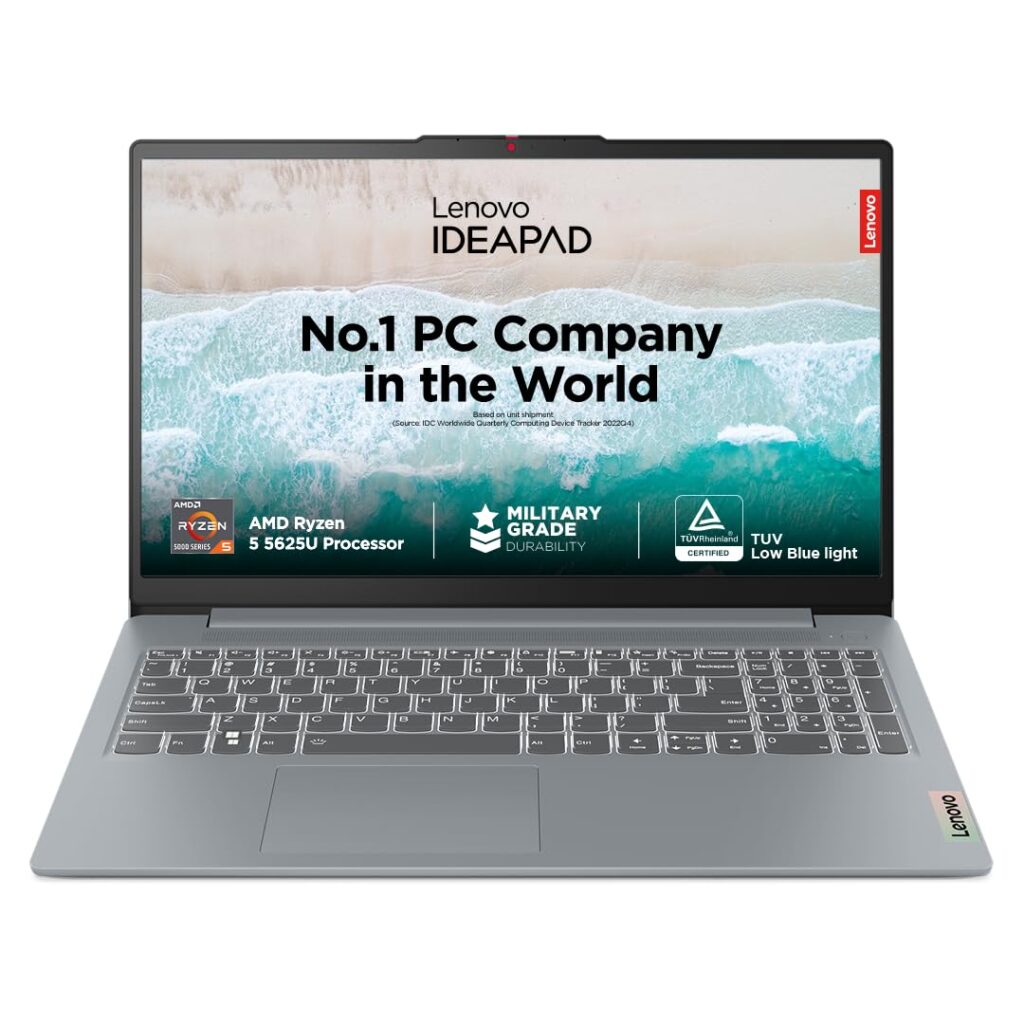
Image Source: Amazon
Specifications
Processor: AMD Ryzen 5 5625U (6 cores, excellent for coding & multitasking)
RAM: 16GB DDR4 (best for running Chrome + VS Code + Android Studio smoothly)
Storage: 512GB SSD (fast boot & app loading)
Display: 15.6″ Full HD (IPS/TN based on variant)
Weight: 1.65 kg
Price: Approx ₹38,000
Key Features:
- Powerful Ryzen 5 5625U processor with 6 cores
- 16GB RAM ensures buttery smooth multitasking
- Ideal for coding, web development & Android Studio (light)
- 512GB SSD gives fast speed and storage
- Lightweight and portable design
Pros
- Very powerful performance for coding
- 16GB RAM (biggest advantage at this price)
- Smooth multitasking with VS Code + Chrome + Emulator
- Good battery backup
- Best value for money laptop for programmers
Cons
- Some variants have TN display (check before buying)
- Not suitable for heavy gaming or 3D rendering
- Speakers are average
Coding Performance
The Ryzen 5 5625U performs exceptionally well for:
- Python, Java, C++
- Web development (HTML, CSS, JavaScript)
- SQL & database management
- VS Code + Chrome multitasking
- Android Studio (light usage)
It delivers fast and lag-free performance for most programming tasks.
Who Should Buy This Laptop
- Students who want a powerful laptop for coding under ₹40,000
- Beginners learning Python, Java, C++
- Web developers working on HTML, CSS, JavaScript
- Users who need smooth multitasking
- Those who prefer lightweight + portable laptops
- Anyone who wants strong performance at budget price
Who Should Not Buy This Laptop
- Gamers who want high-end graphics performance
- Video editors working on heavy 4K editing
- Users who run heavy Android Studio projects daily
- Those who need a dedicated GPU (graphics card)
- People wanting a metal-body premium laptop
Final Verdict
If you want the best coding laptop under ₹40,000 with powerful performance and superior multitasking,
the Lenovo IdeaPad Slim 3 (Ryzen 5 5625U) is one of the best options available. Highly recommended for students and beginner developers.
Want to explore more coding laptops?
Check our full laptop category here
HP 15s (Ryzen 5 7520U)
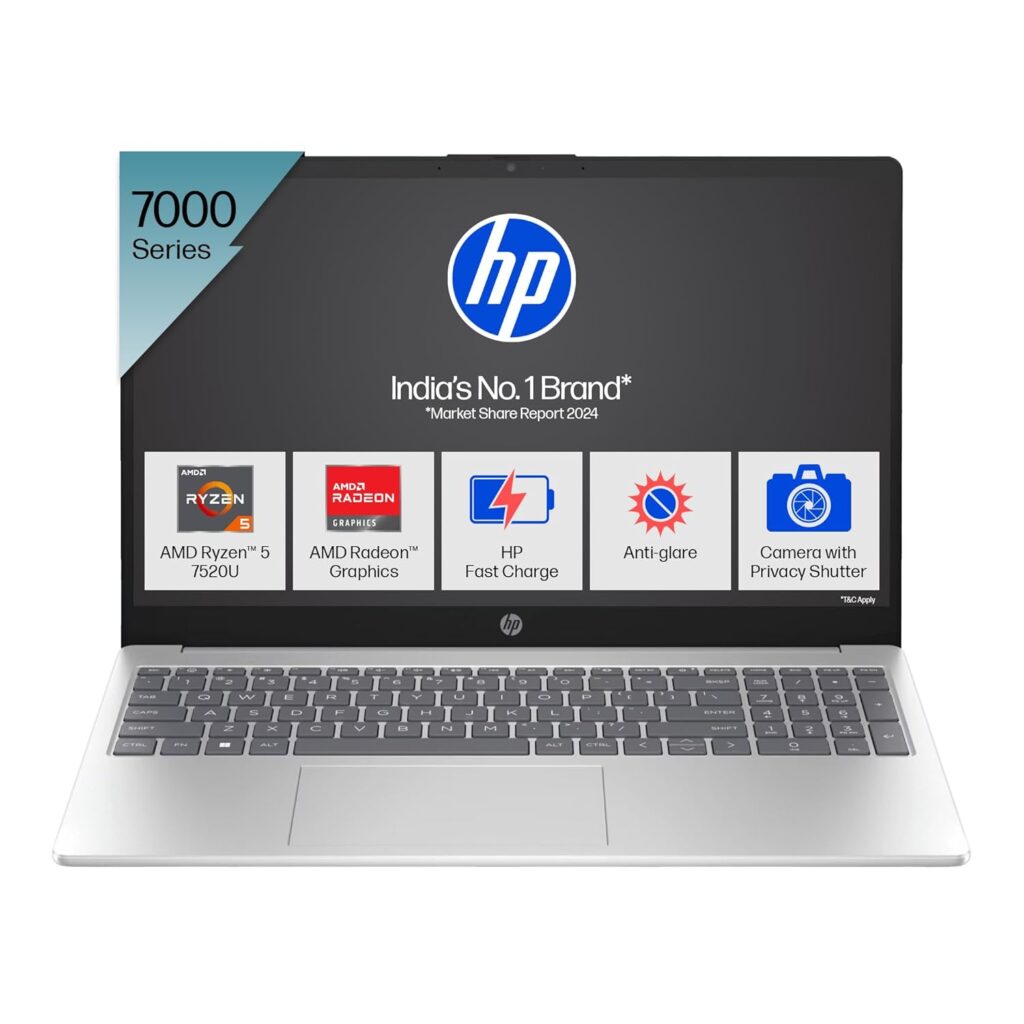
Image Source: Amazon
Specifications
Processor: AMD Ryzen 5 7520U (4 cores, 8 threads, up to 4.3GHz boost – smooth for coding & daily tasks)
RAM: 8GB LPDDR5 (fast memory; very smooth for browsing + VS Code + multitasking)
Storage: 512GB PCIe SSD (very fast boot & loading time)
Display: 15.6-inch Full HD Anti-glare (comfortable for long coding sessions)
Graphics: AMD Radeon Integrated Graphics
Battery: Up to 7–8 hours (real-world average 5–6 hours)
Weight: Approx. 1.6 kg (thin & light)
Price: Around ₹36,000 (may vary)
Key Features
- Fast 512GB SSD + LPDDR5 RAM
- Smooth performance for coding, browsing & multitasking
- Ideal for students, beginners, and office work
- Lightweight & portable
- Backlit keyboard + FHD camera with privacy shutter
Pros
- Boot time very fast
- Excellent display for coding
- Good build quality
- Great for daily use + VS Code + web dev
- Lightweight
Cons
- 8GB RAM is not upgradeable
- Not made for heavy Android Studio / gaming
- Medium-level performance processor
Coding Performance
- The HP 15s (Ryzen 5 7520U) delivers good performance for basic and intermediate-level programming.
- Smooth performance for Python, Java, C/C++, JavaScript, HTML/CSS, and other beginner-friendly languages.
- Works well with VS Code, Sublime Text, PyCharm Community, IntelliJ Community, and similar lightweight IDEs.
- Good for web development, small backend projects, SQL database work, and automation scripts.
- Handles browsing + coding + documentation together without major issues.
- Battery life is also decent for long study or coding sessions.
Who Should Buy This Laptop
- Students learning programming (Python, Java, C++, Web Dev).
- Beginners who need an affordable laptop for coding practice.
- Web developers building small to medium projects.
- Office users who need a smooth experience for browsing, coding, MS Office, notes, and documentation.
- Users who want good battery life + lightweight design at a budget.
- Anyone looking for a value-for-money laptop under ₹40,000.
Who Should NOT Buy This Laptop
- Users running heavy Android Studio projects or emulators.
- Developers who use virtual machines, Docker, or heavy IDEs regularly.
- Gamers — the integrated GPU is not suitable for high-end gaming.
- Video editors or 3D designers who need strong graphics performance.
- Users wanting premium build quality or a dedicated GPU.
- Professionals working on large-scale codebases that require high processing power.
Final Verdict
If you want a smooth and reliable laptop for coding under ₹40,000, the HP 15s (Ryzen 5 7520U) is a solid choice.
It offers fast SSD storage, LPDDR5 RAM, a great display, and good day-to-day performance.
Perfect for students and beginner programmers.
Conclusion
If you’re searching for the best laptops for coding under ₹40,000, the Acer Aspire Lite, Lenovo IdeaPad Slim 3, and HP 15s are the top-performing choices right now.
Each laptop offers strong performance, fast SSD storage, and reliable multitasking for students and beginner programmers.
Choose Acer for best budget value, Lenovo for stable overall performance, and HP for modern features with an excellent display.
These laptops provide everything you need to start your coding journey smoothly.